Good things. Closer to home.
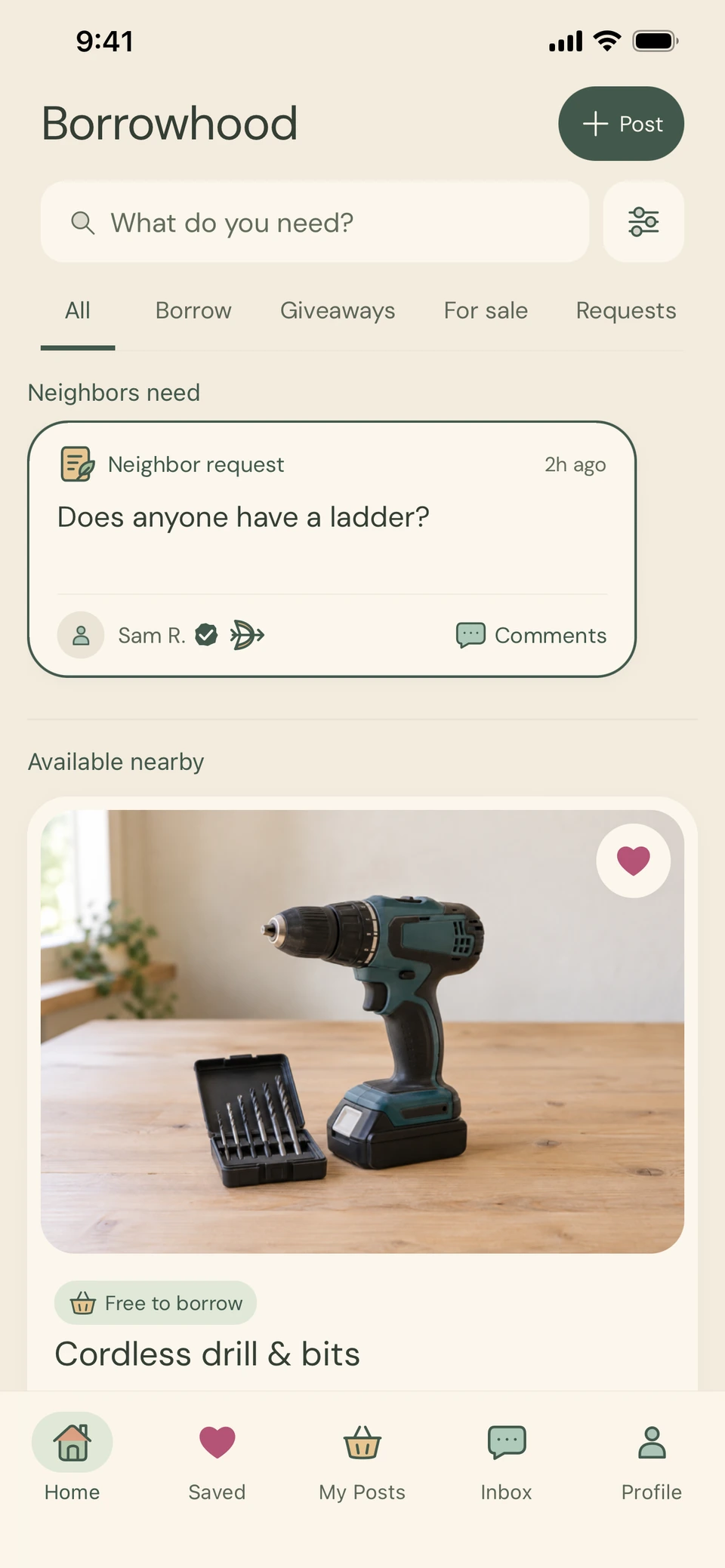
Less buying.
More borrowing.
The right tool. A great find.
A neighbor happy to help.
Borrow what you need, share what you have,
and discover the good around you.
Coming soon to the App Store · iPhone & iPad
 A little sharing goes a long way.
 Borrow a little.
 Give a little.
 Sell locally.
 Ask a neighbor.
Simple from the first hello
Need it. Find it.
Make it happen.
A weekend project or a little more room at home.
Start with what you need—or what you have.
- 01
Find your good thing.
Browse nearby items or post a request. Someone around you might have just the thing.
- 02

Say hello. Make a plan.
Send a request and chat privately to agree on the details and a time to meet.
- 03
Put it to good use.
Pick it up, enjoy it, and return it if you’re borrowing. Keep your exchanges together in the app.
Meet your Borrowhood
Good stuff.
A world of possibilities.
A closer look at the little things
that make sharing feel easy.
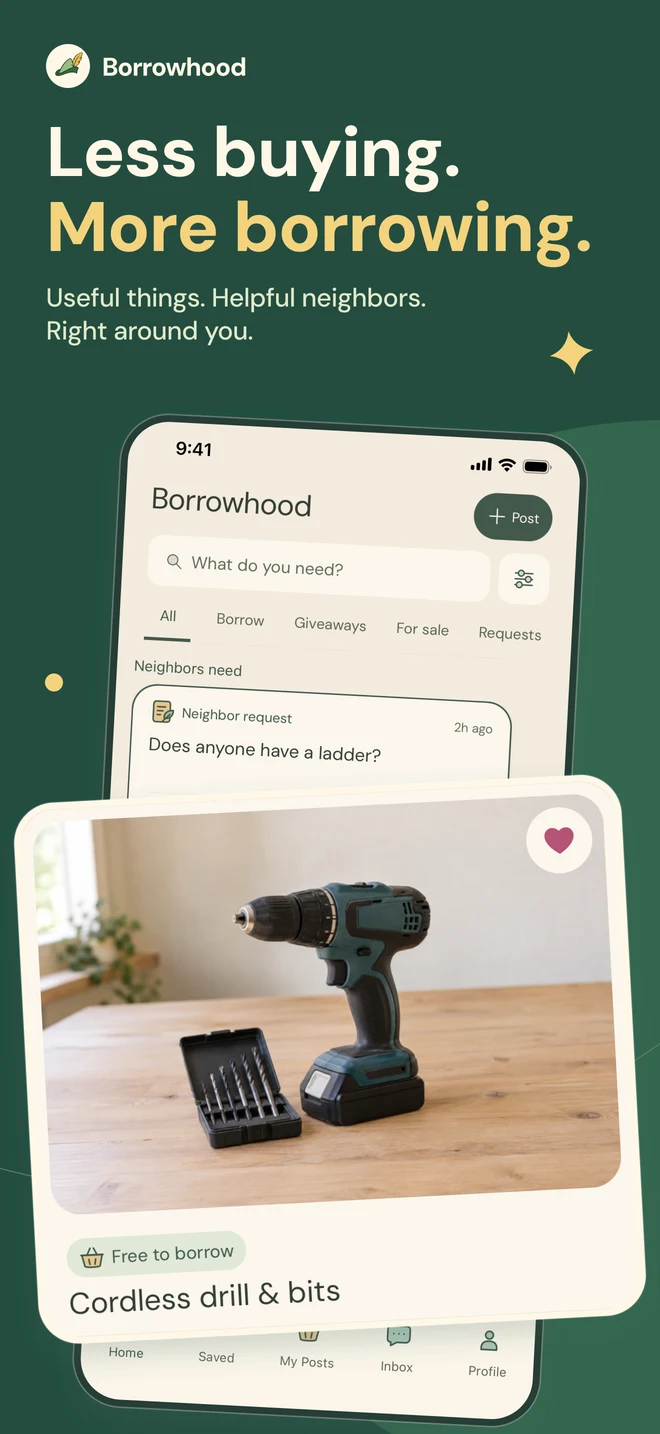
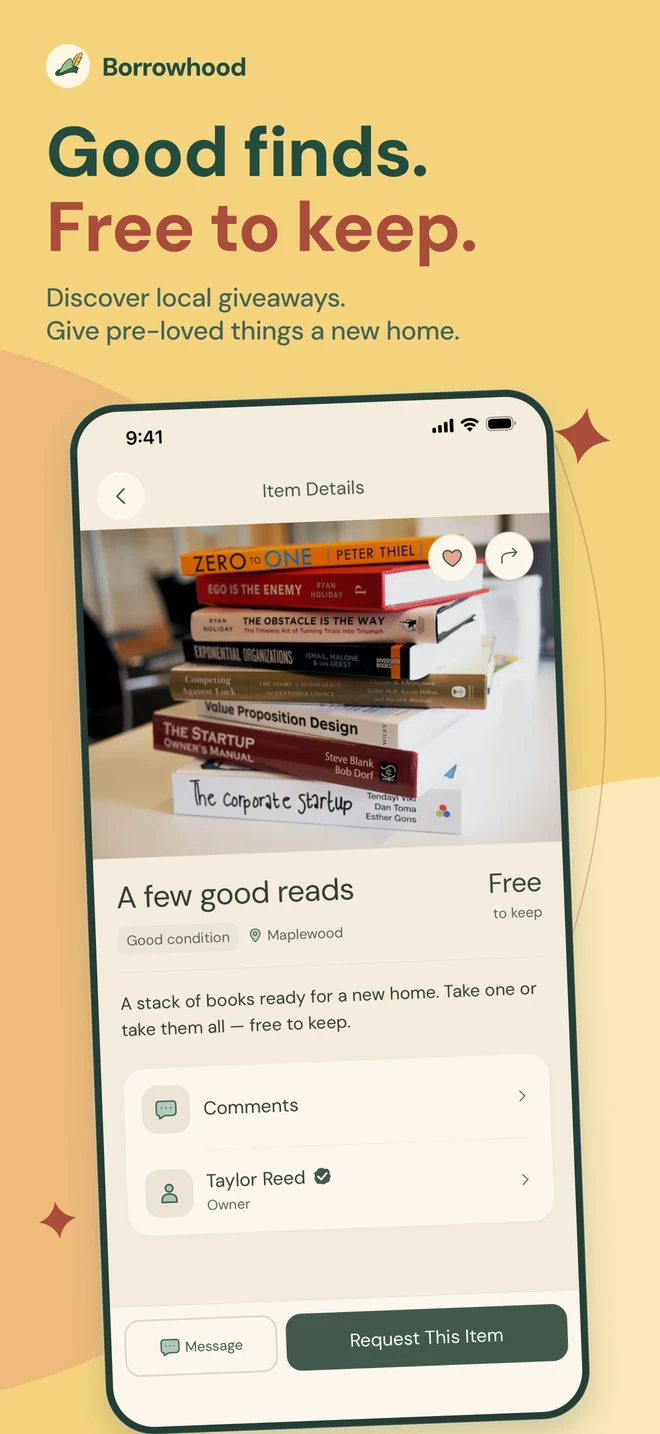
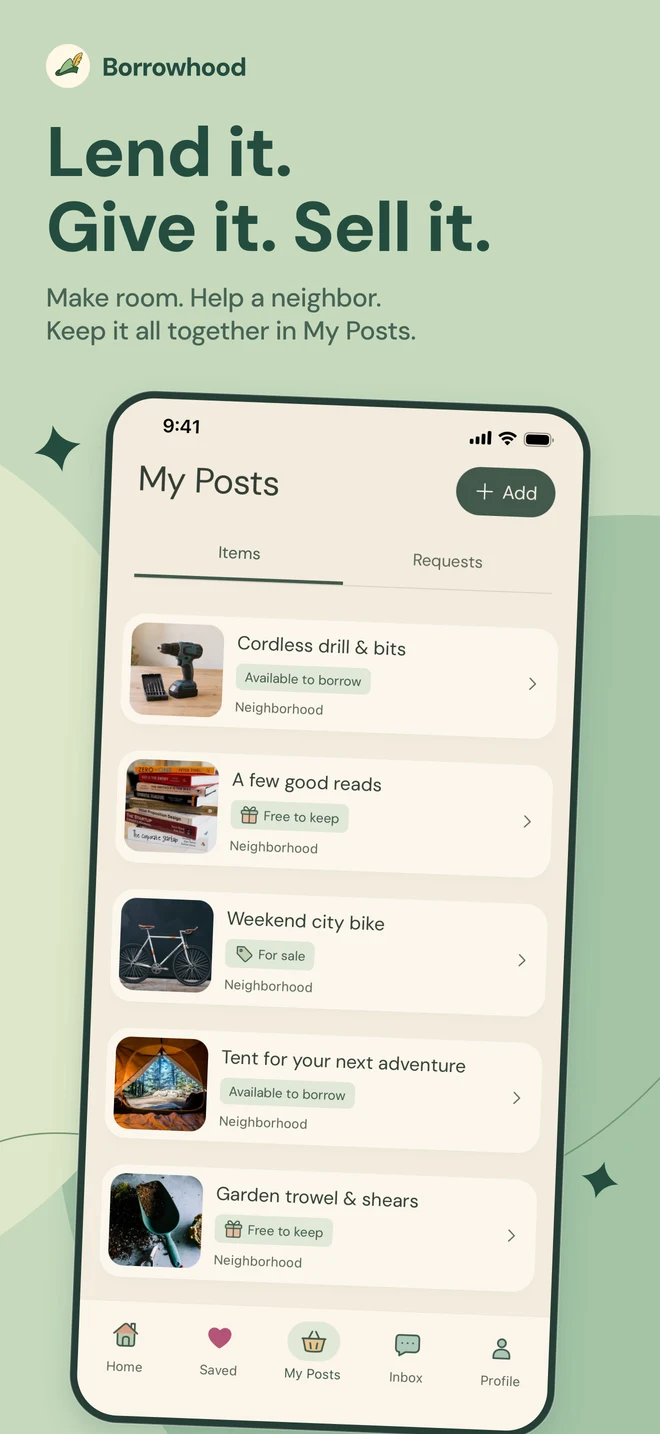
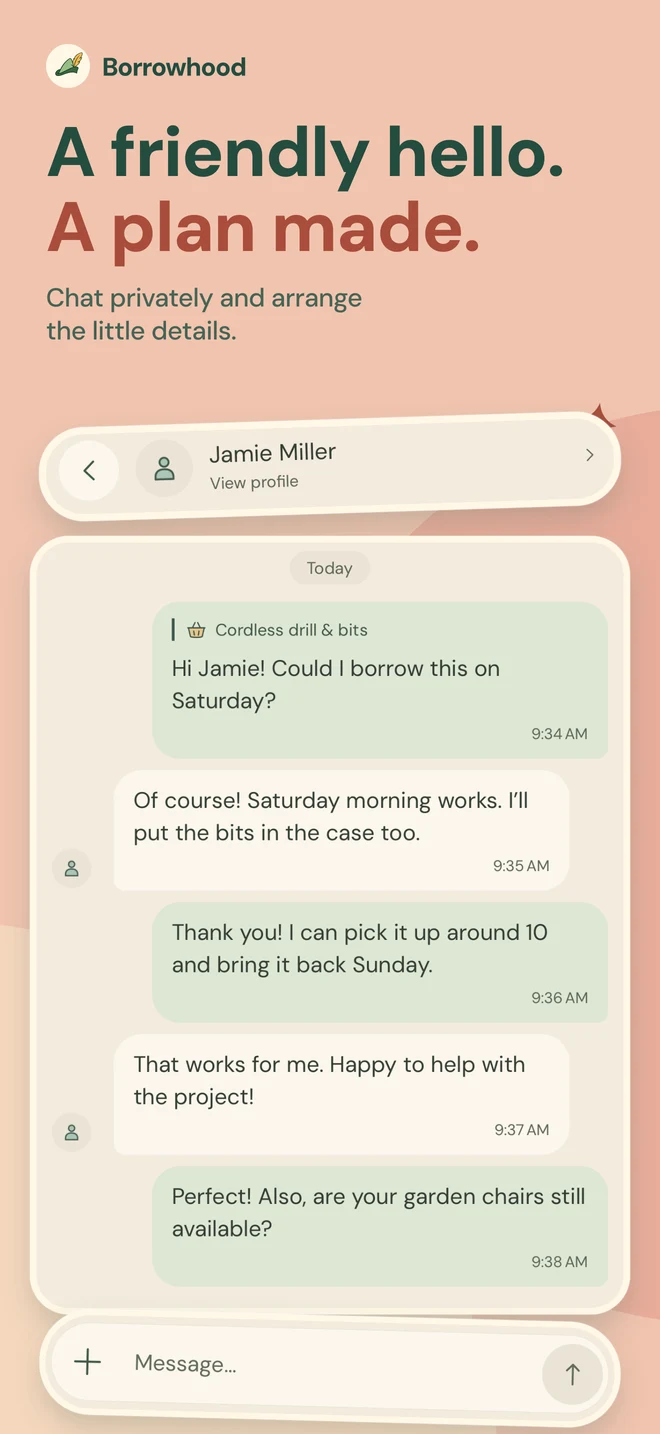
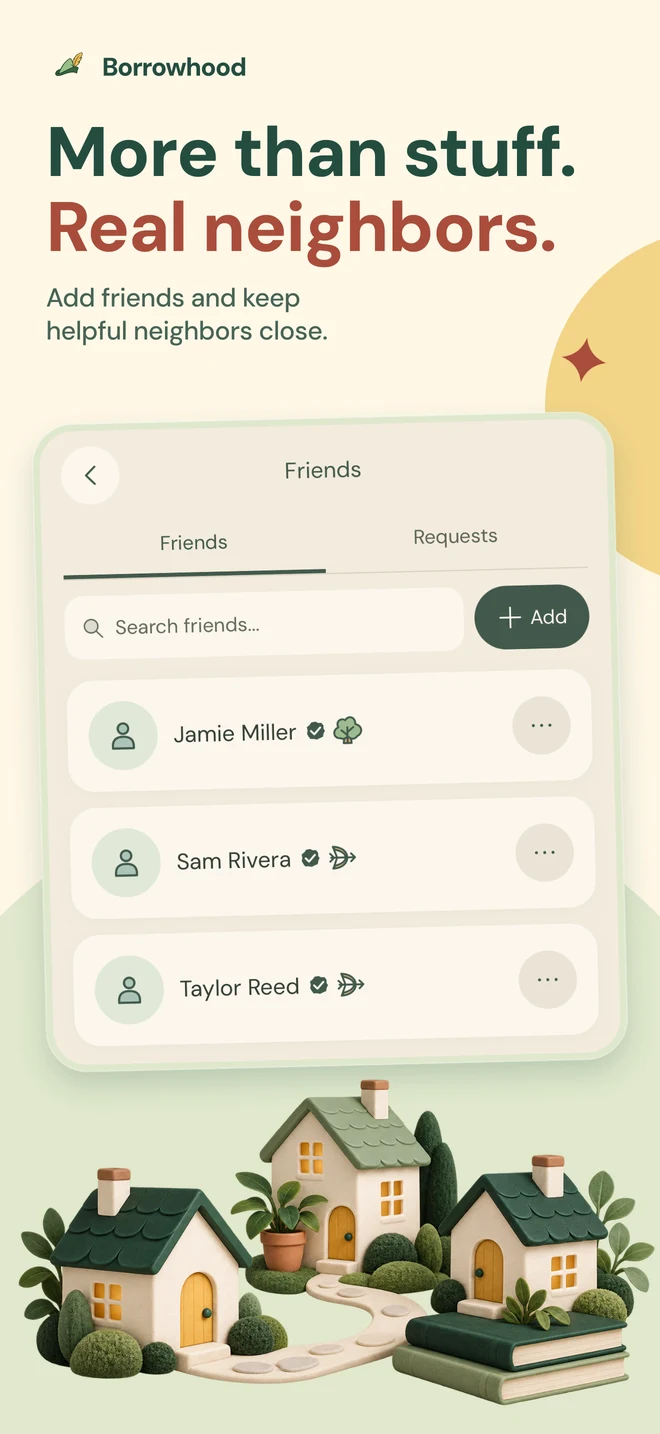
Actual app screens with sample listings.

More than stuff. Real neighbors.
Start close.
Grow from there.
Your things. Your choice. Pick who can see each post, from familiar faces to the people around you.

Friends
The people you already know.

Your neighborhood
A little more sharing, closer to home.

Your town
More possibilities around you.
How can I get Borrowhood?
We’re in early access while we prepare for the App Store. Request an invite and tell us your town. Borrowhood works on iPhone and iPad, and what you find depends on what people nearby are sharing.
What can I share?
Tools, books, outdoor gear, garden supplies, and other useful everyday things. Post an item to lend, give away, or sell—or ask your neighbors for something you need.
Does Borrowhood handle payments?
No. There’s no payment setup to get started. If an item has a price or a borrowing fee, agree on payment directly with its owner before the exchange.
Who can see my posts?
Choose Friends, Neighborhood, or Town when you post. You can also keep items private until you’re ready to share. A private offer shares only the selected item with the requester.
How do pickup and return work?
Chat with the other person to agree on a time and place. Check the item together, confirm the handoff in the app, and arrange a return if you’re borrowing it.
What if I need help with an exchange?
Start by messaging the other person. You can also report an issue in the app or contact us for help.
Good neighbors start somewhere
Start with a little.
Share something good.
Borrowhood is coming to the App Store.
Want to try it first? Tell us your town and request an invite.